
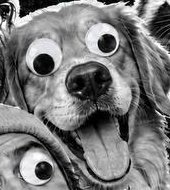



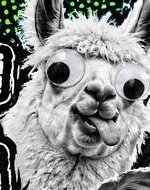

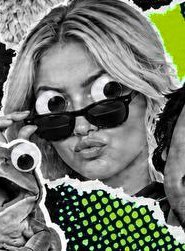



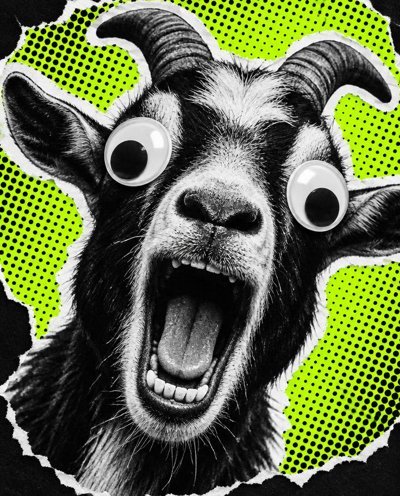
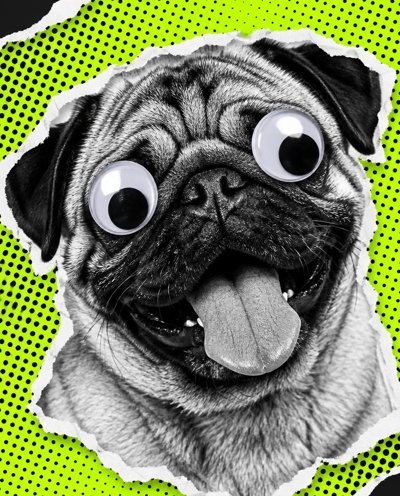

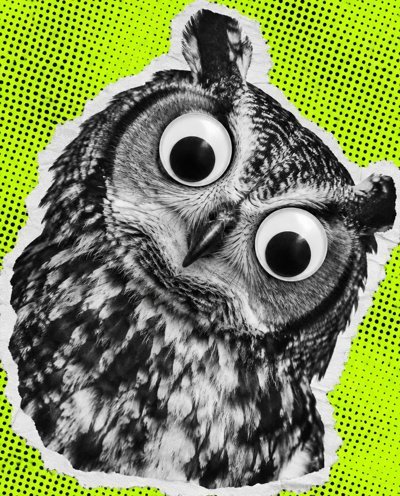



Put googly eyes on any photo
Choose a photo and we’ll find the faces for you. Then save it as a photo or an animated GIF.
You can also drop or paste an image here. Photos are briefly checked for offensive content, then edited on your device.
Tap an eye to grab it, then tap the photo where it should go, or just drag it. Double-tap an eye to resize it: drag to change the size, then tap when you’re done.
Drag the photo to move it. Pinch, scroll, or use the slider to zoom in on a face.